QUICK GUIDE
Complete a checklist
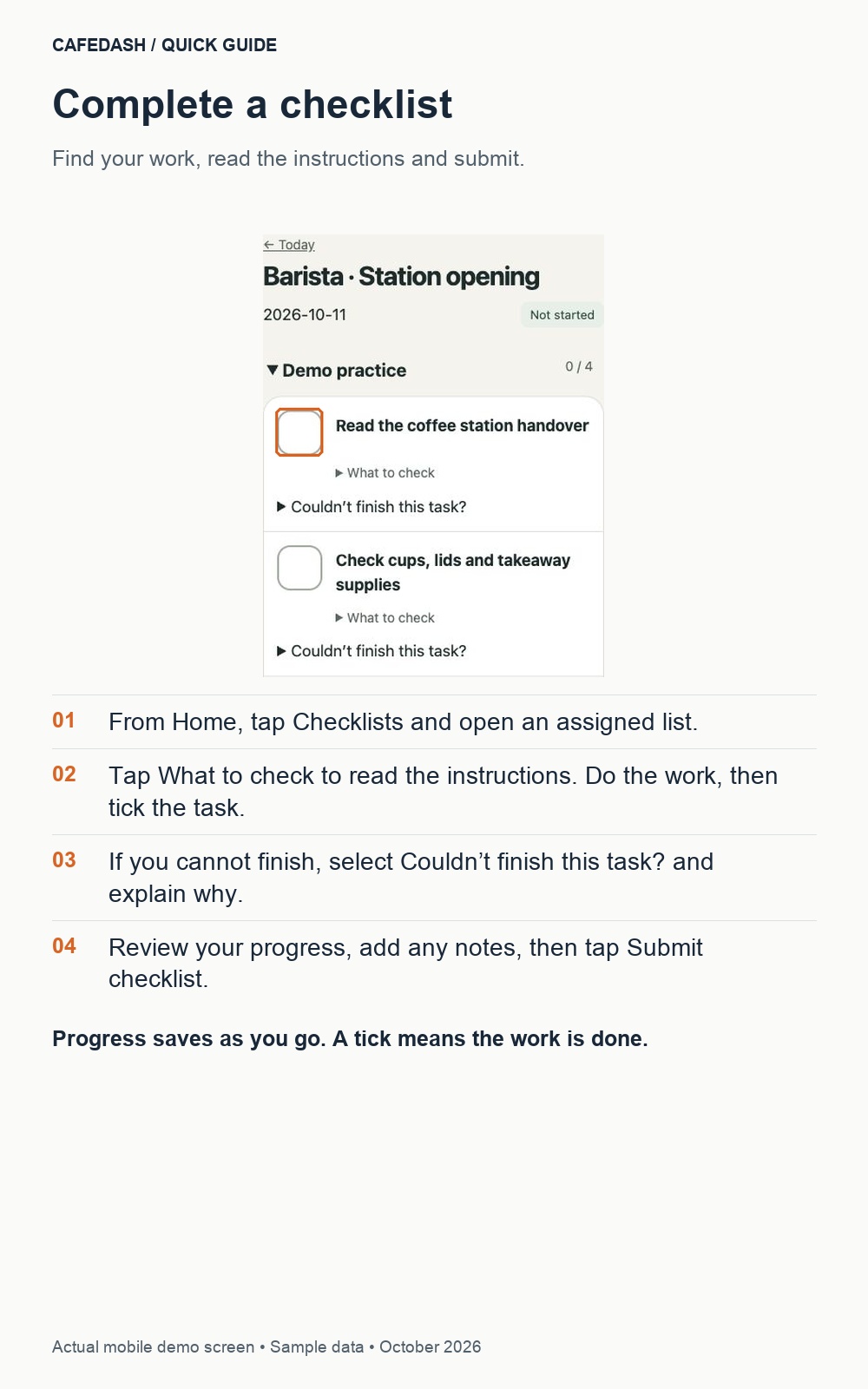
Find your work, read the instructions and submit.
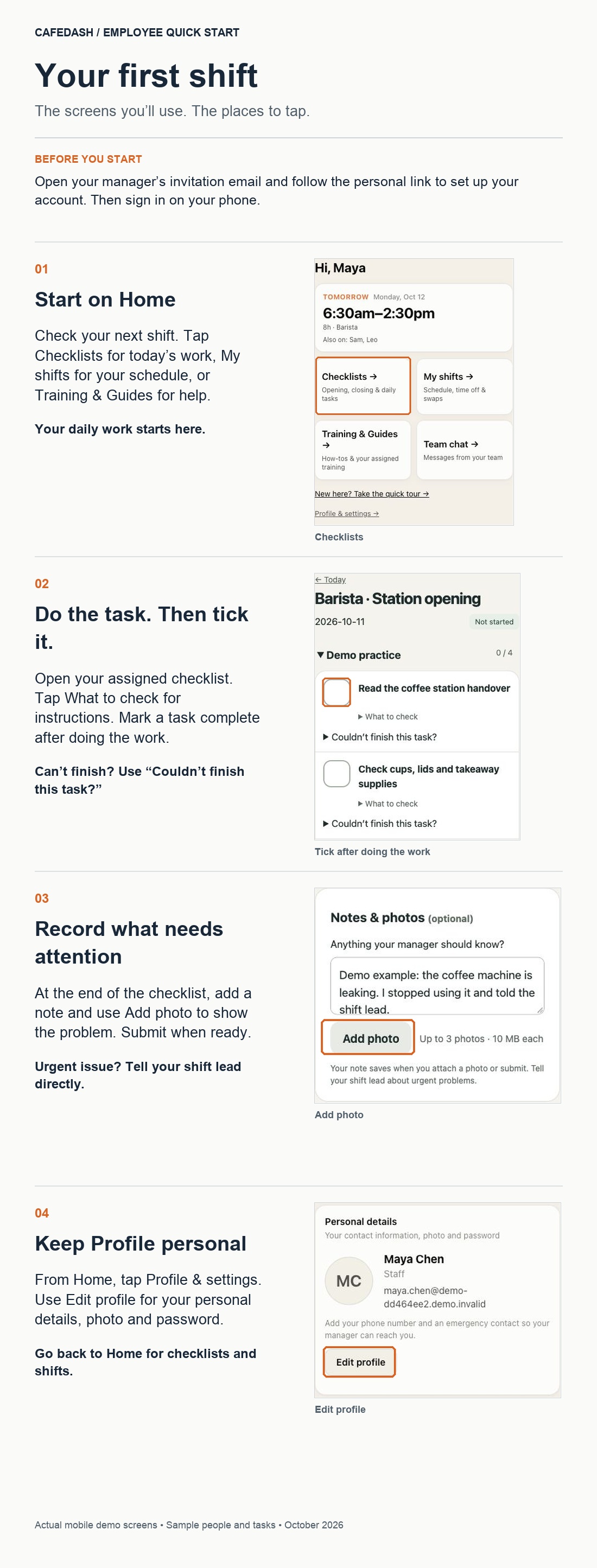
- From Home, tap Checklists and open an assigned list.
- Tap What to check to read the instructions. Do the work, then tick the task.
- If you cannot finish, select Couldn’t finish this task? and explain why.
- Review your progress, add any notes, then tap Submit checklist.
Progress saves as you go. A tick means the work is done.