Update your business name, logo and hours
Change the name and logo shown in CafeDash, and each store's address, phone and opening hours.
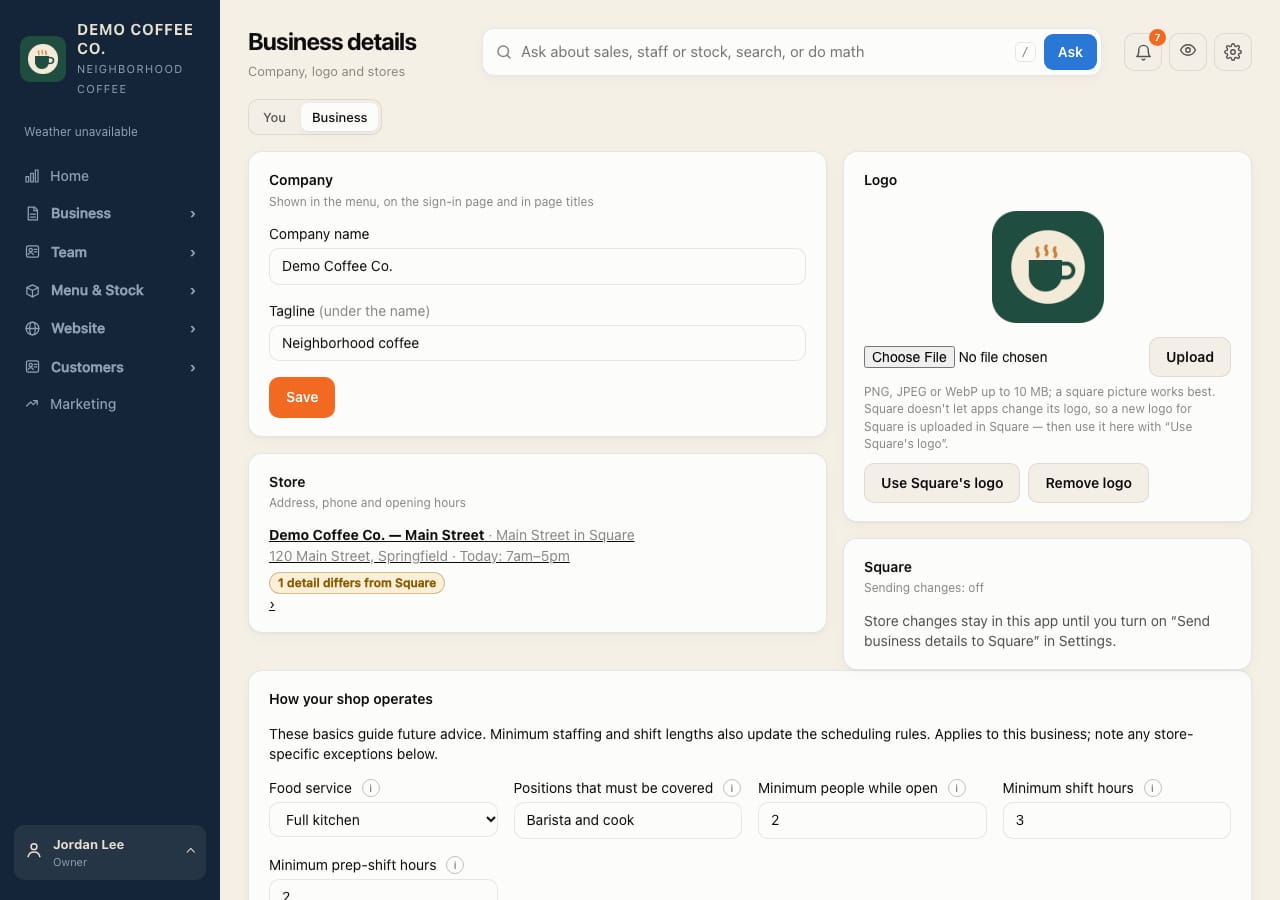
- Open Profile and the Business tab.
- Under Company, change the Company name or Tagline, then Save.
- Under Logo, upload a picture (a square one works best), or tap Use Square's logo.
- Under Store, open a store to change its address, phone and opening hours.
Opening hours drive checklist due times, live updates and your website's hours.
Changes stay in CafeDash unless you turn on Business details in Settings → Square. Square doesn't let apps change its logo.