Edit menu items and prices
Change items, sizes, prices, options and photos, reviewed before anything is saved to Square.
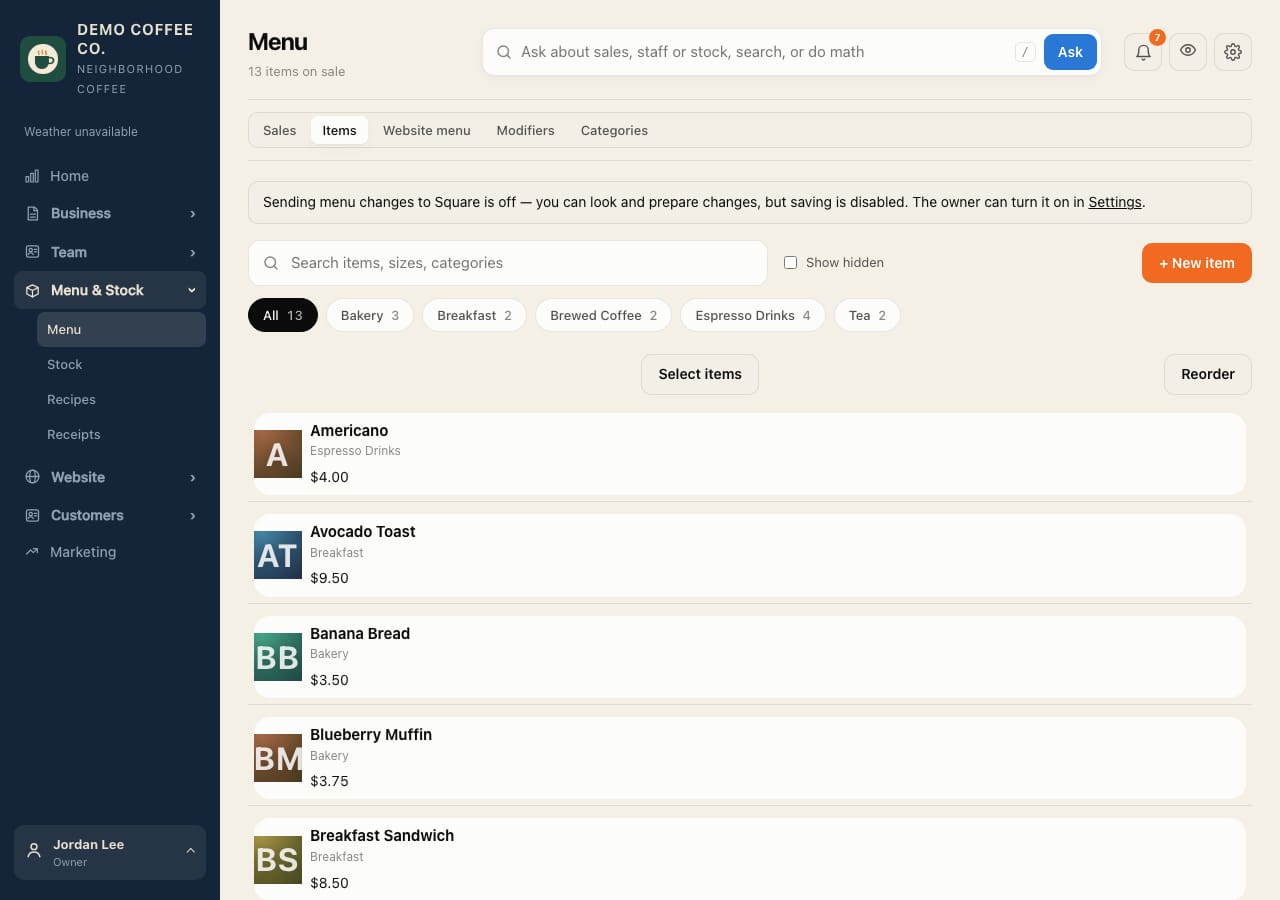
- Open Menu & Stock → Menu and the Items tab. Search, or pick a category.
- Tap an item to change its name, sizes, prices, options or photo. + New item adds one; Duplicate copies one.
- To change many at once, select them and choose a Bulk change (mark on sale, hide, add a category).
- Review the changes, then save them to Square.
See "Sending menu changes to Square is off"? The owner turns on Menu in Settings → Square. Until then you can prepare changes but not save them.