Do a checklist
Tick tasks as you go, explain anything you couldn't finish, and submit.
- Open Checklists from Home, or tap the reminder.
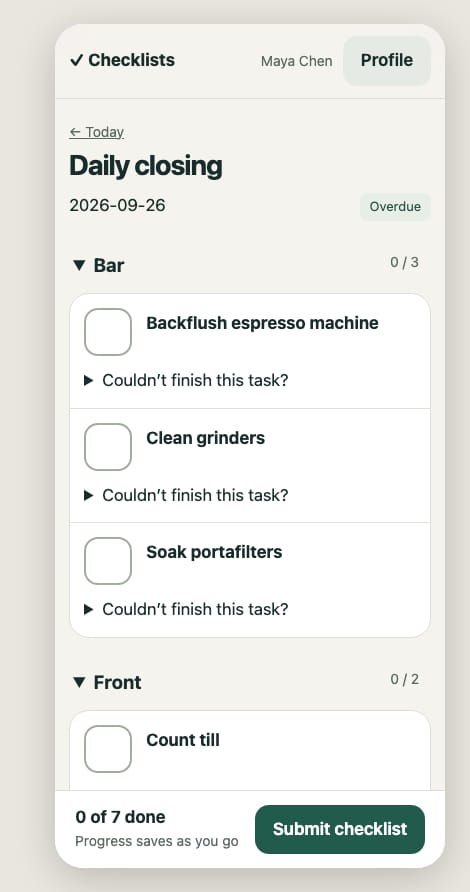
- Open your checklist and tick each task as you do it. Progress saves as you go, and your crew sees it too.
- A temperature task (🌡) asks for the reading instead of a tick. If it's outside the safe range, say what you did about it. Your manager is told right away.
- Couldn't finish a task? Tap Couldn't finish this task? and say why.
- To show a problem, use Notes & photos at the end of the checklist. Add a note, then use Add photo to choose or take a photo. Photos do not complete the task or send urgent alerts; tell your shift lead about urgent problems.
- When you're done, tap Submit checklist.
Lists from earlier days that nobody submitted show as Overdue. Your manager can close them, so they don't pile up.