Record temperatures
Add temperature checks with safe ranges, see every reading, and give the inspector a file.
- Quickest start: tap Add the Food safety checklist (on Team → Food safety or Team → Checklists → Set up). It adds fridge, freezer, hot holding and delivery checks, turned off so you can adjust them.
- Open it, set the safe ranges for your equipment, choose who does it and when, turn it on and save.
- Or give any task a 🌡 range: Safe from and to, in °F or °C. Leave one end empty for "or above" (hot holding: from 135) or "or below".
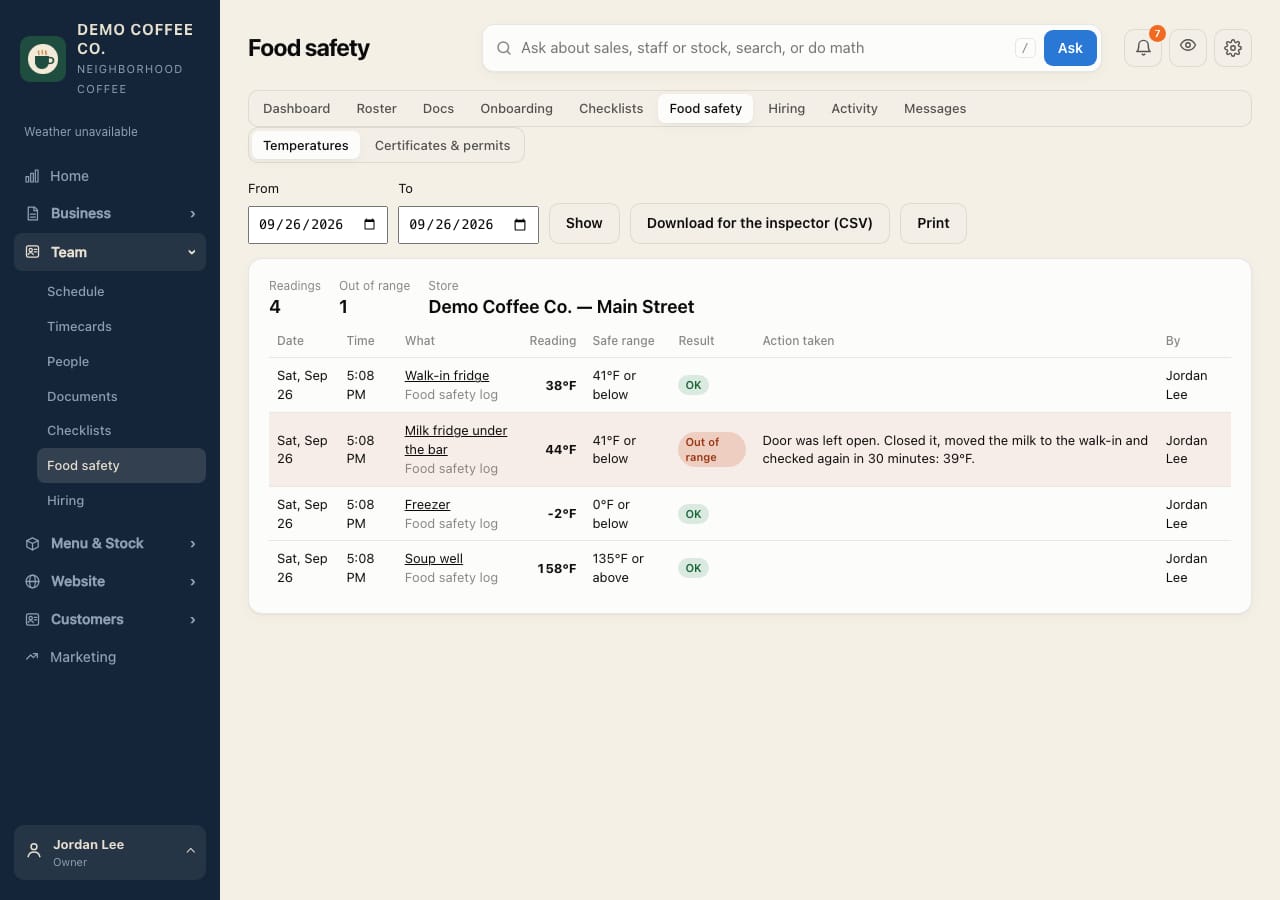
- Staff type the reading. Outside the range, they must say what they did, and the store's managers are notified right away.
- See every reading on Team → Food safety → Temperatures. Choose dates and tap Show; Download for the inspector (CSV) or Print.