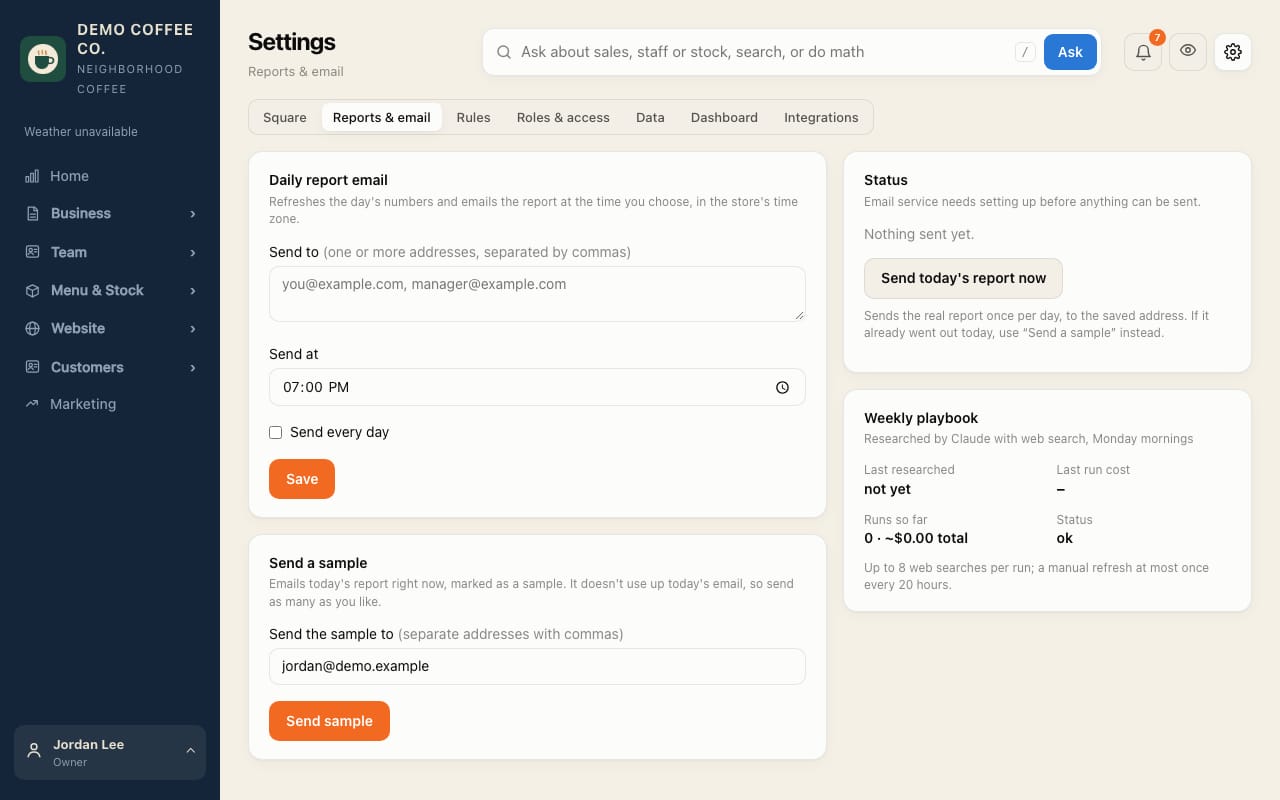
Set up the evening report email
The day's sales, labor, who worked and anything unfinished, in your inbox at the time you choose.
- Open Settings → Reports & email.
- Under Send to, enter one or more addresses, separated by commas.
- Choose Send at (in the store's time zone), tick Send every day, and tap Save.
- Tap Send sample to see one now. Samples don't use up the day's email.
- Also send the month in review on the 1st emails last month's review to the same addresses, at the same time, once a month. Send the latest month in review sends a sample of it.