Read your daily, weekly and monthly reports
A short report for each day and week, and a month in review: sales against the usual, labor, what sold, and anything unusual.
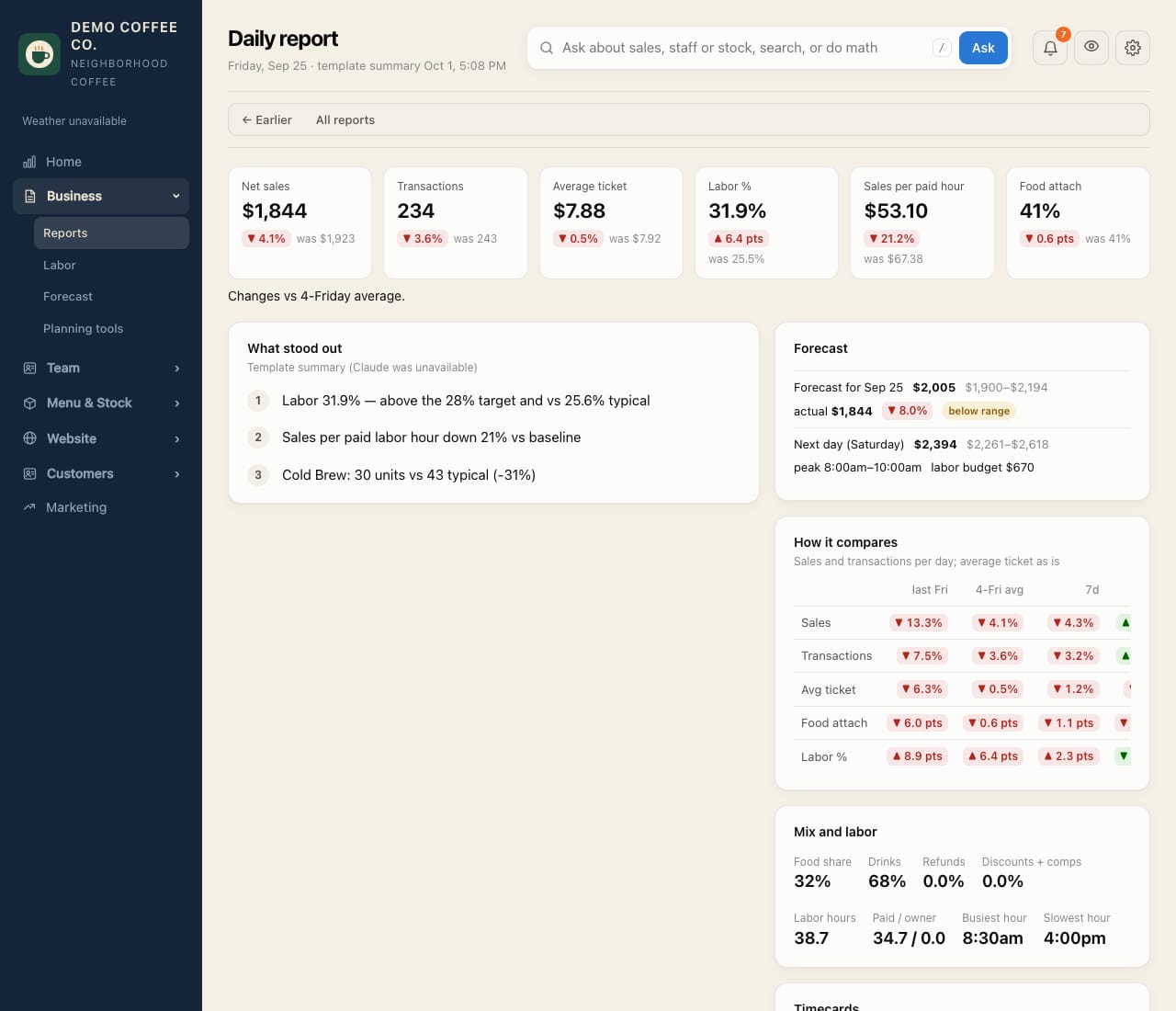
- Open Business → Reports. Each day and week has its own report, newest first.
- The line under each one is the headline: sales against the usual for that weekday, and the biggest change.
- Open one for sales, labor, the mix of drinks and food, the busiest and slowest hours, who worked, and comparisons with last week, the 4-week average and last year.
- Month in review sits at the top once a month ends: sales against last month, the 3 months before and last year (per day open, so short months compare fairly), sales by week and weekday, best and slowest days, top items, the team, customers and Google reviews, checklists, hiring, and spending from receipts. Claude writes the month's story and three things to change next month.
- It's written overnight after the month ends. Owners can tap Write … in review to write it straight away.
Spending and prime cost (cost of goods plus labor) count only the receipts added under Menu & Stock → Receipts, and show only to people who can see receipts.