Keep an eye on labor
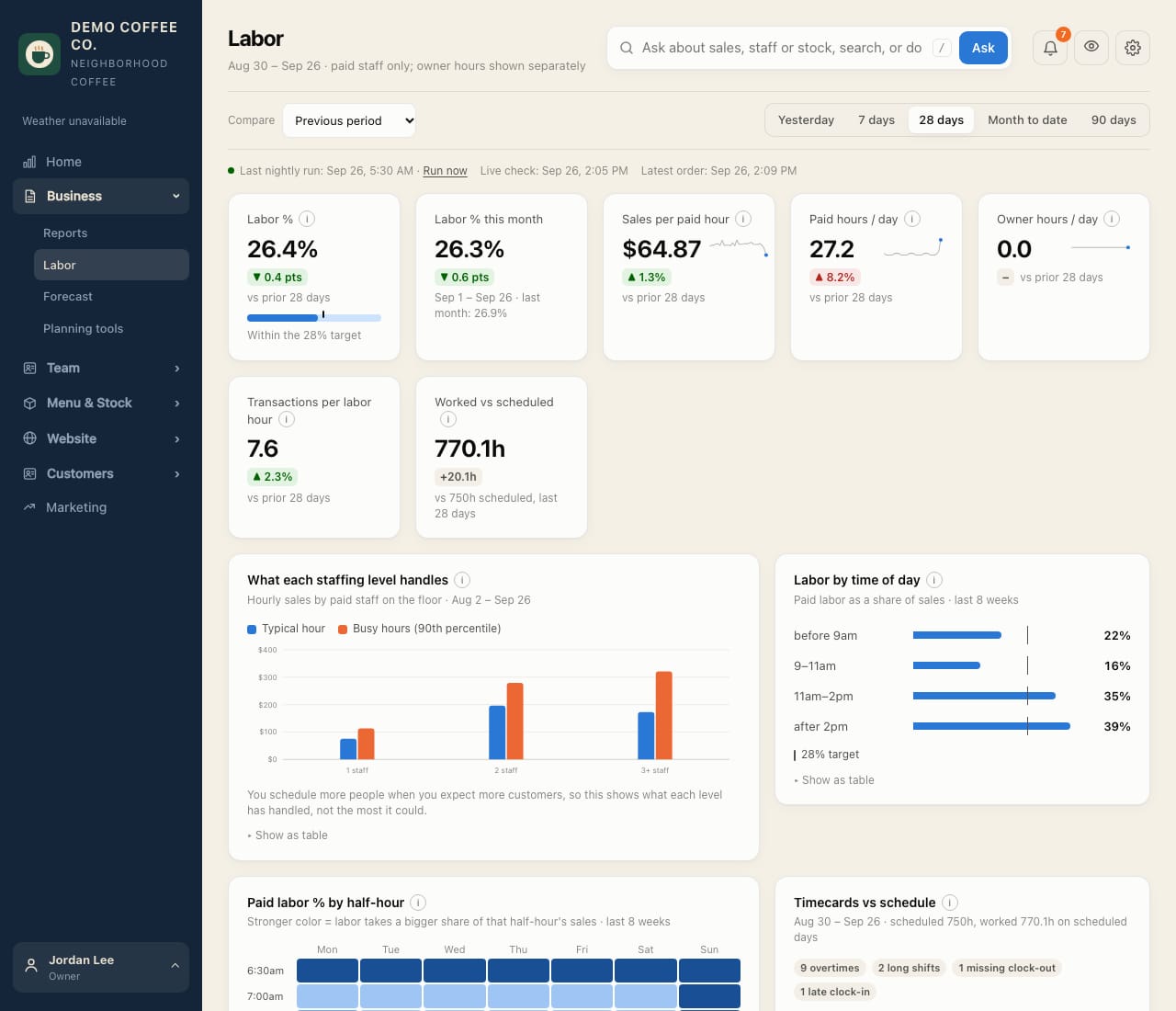
Labor % against your target, sales per paid hour, and how hours worked compare with the schedule.
- Open Business → Labor and pick the period: yesterday, 7 days, 28 days, month to date or 90 days.
- Labor % is paid labor cost ÷ net sales, marked against your target. Labor % this month compares with last month.
- Sales per paid hour and Transactions per labor hour show how lean staffing was. Worked vs scheduled compares hours worked with the schedule.
- What each staffing level handles shows the sales one, two or three people handle per hour.
Owners' hours count at $0. Set who counts as an owner, and your labor target, in Settings → Rules.