Approve or decline time off
Decide on time off requests, and record days off agreed some other way.
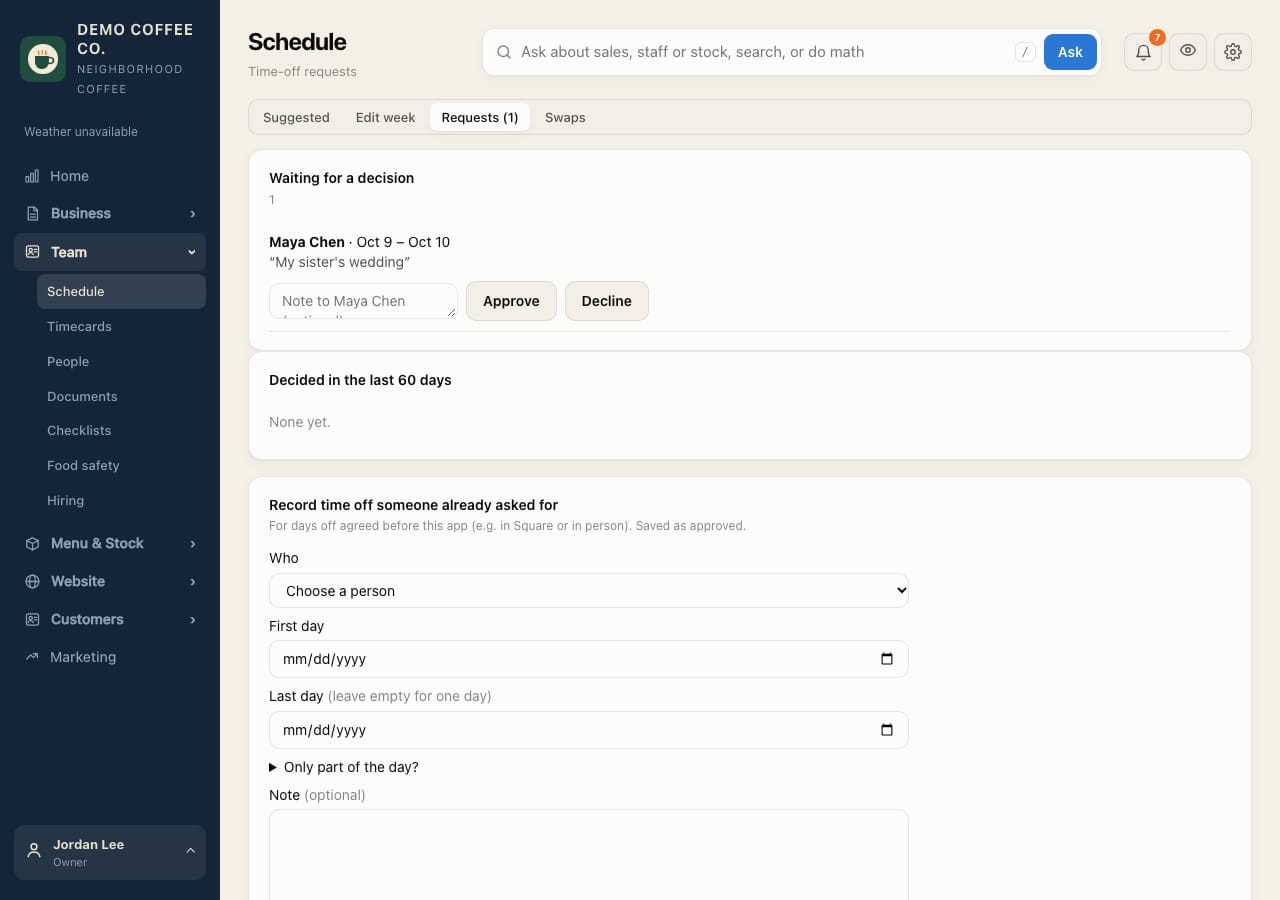
- Open Team → Schedule and the Requests tab. The number shows how many are waiting.
- Under Waiting for a decision, check the dates. Short notice requests are marked.
- Add a note if you like, then tap Approve or Decline. They're told right away.
Recording time off someone already asked for
- Under Record time off someone already asked for, choose the person and the days, then tap Save as approved time off. Use it for days agreed in person or in Square.
You can't decide your own request. Another approver does.