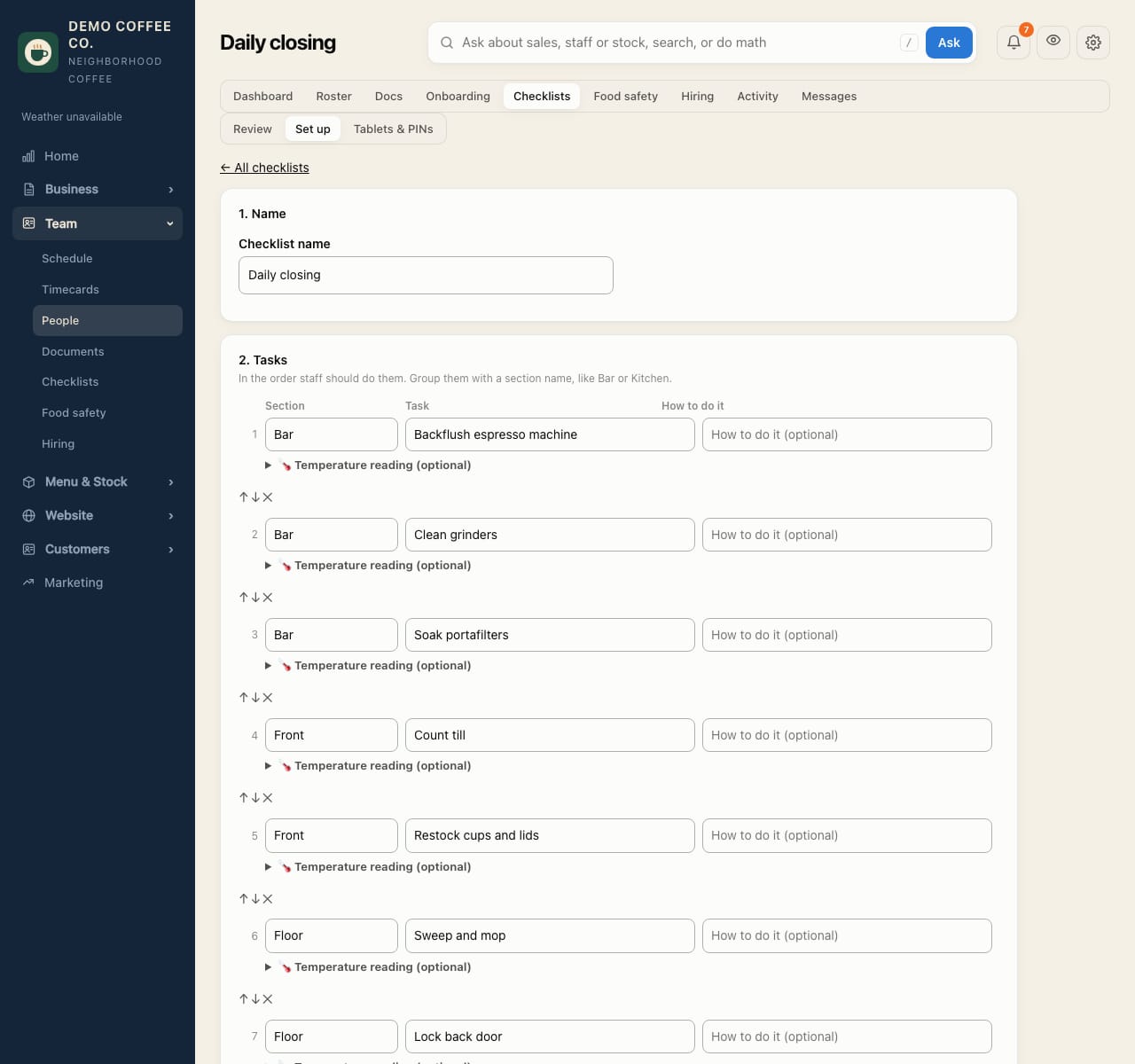
Create or change a checklist
Set the tasks, who does them and when. A fresh copy goes out each day it runs.
- Open Team → Checklists and the Set up tab. Tap + New checklist, or a checklist to change it.
- 1. Name: give it a name, like Opening.
- 2. Tasks: add tasks in order, grouped by Section (Bar, Kitchen…). How to do it is optional. Paste a list adds one task per line.
- 3. Who does it: the Opening crew or Closing crew from the Square schedule, Specific people, Everyone with an app role, or Everyone with a Square job.
- 4. When: every day, certain days, or certain weeks of the month; and when it's due (around opening, around closing, or a set time).
- Tap Save checklist.
To make a task a temperature check, fill in its 🌡 safe range. See Record temperatures.
Changes apply from today. Lists already done keep the tasks they had.